In our last Slack update, we brought check-ins and goal updates into Slack and promised a release centered on Steady’s AI features. Here it is.
Steady is now an agent in Slack. Ask it what shipped this week or who’s blocked, and get an answer without pinging anyone. Have Slackbot handle your check-ins and goal updates. And keep your channels in the loop automatically, with Echo answers that post on schedule.
These features need new Slack permissions, so if your workspace already uses the Steady app, there’s one quick step to turn them on. Steady is listed in the Slack Marketplace, which means Slack has reviewed and approved the app for security and data handling.
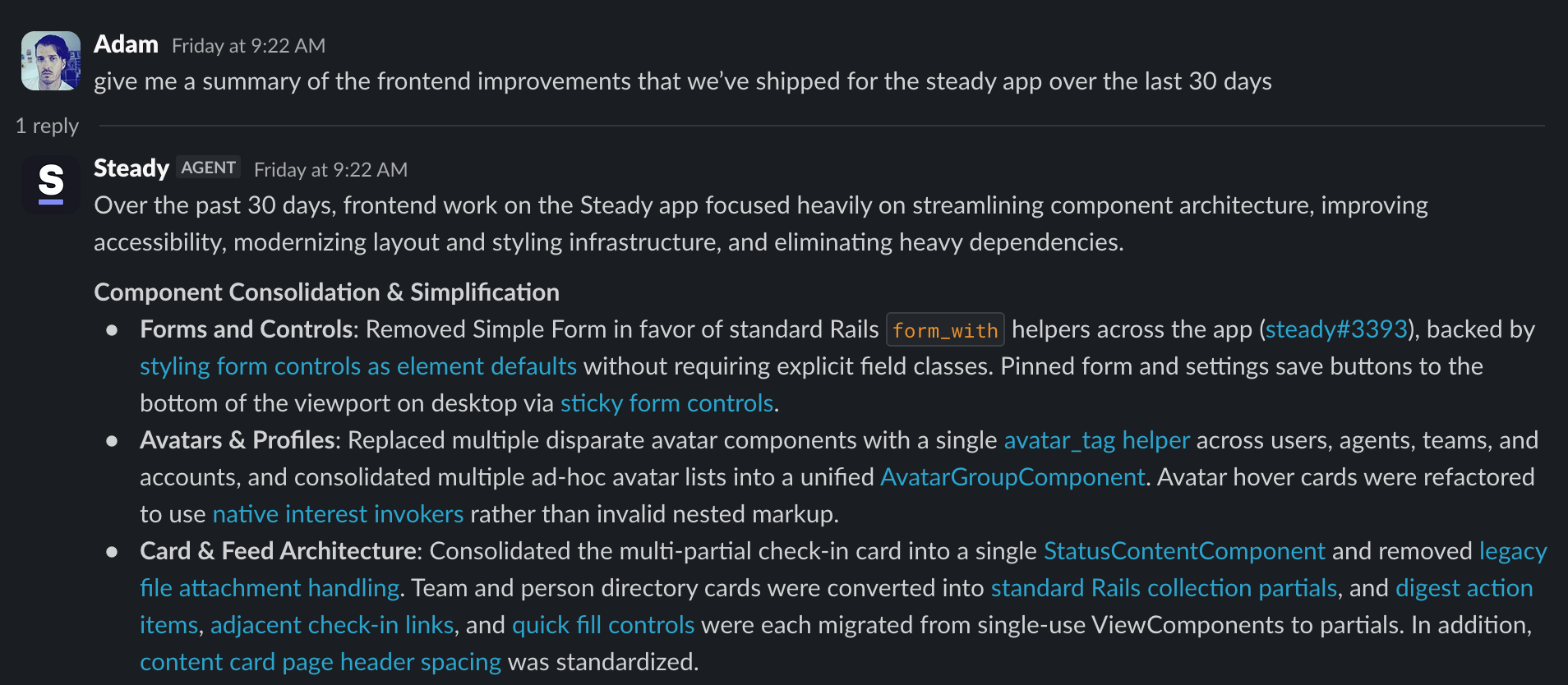
Ask Steady in a Slack DM
DM the Steady app a question about your team’s work, like “Which goals are at risk?” or “What did the design team get done last week?” You’ll get an answer drawn from check-ins, goals, goal updates, and activity from your connected tools.
It’s the same Ask you’d get in the app, and it lands in your Asks history.
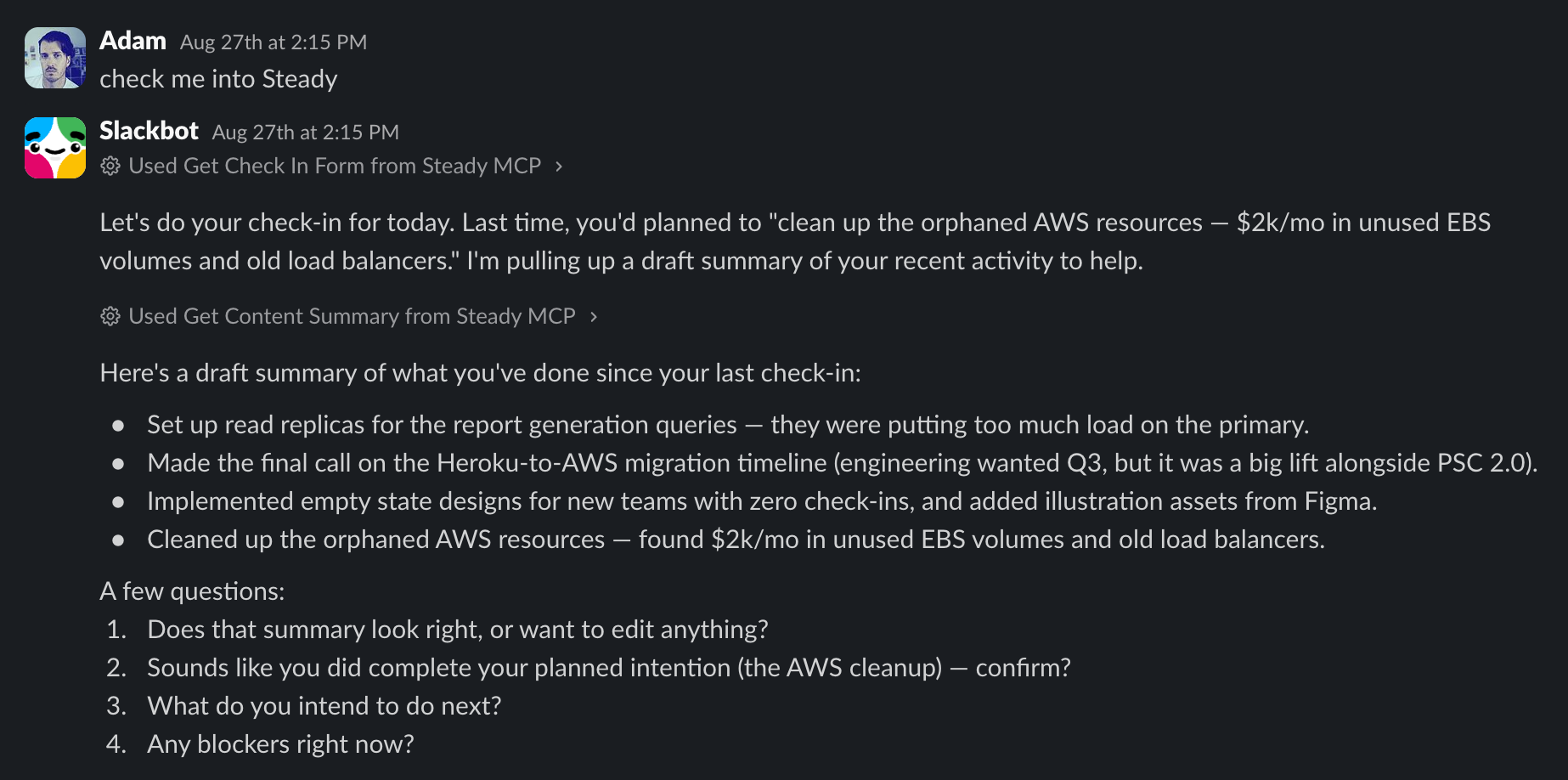
Steady in Slackbot
Ask Slackbot to check you in, post a goal update, pull your team’s Daily Digest, and more, all in plain language. Once an admin enables it, everyone in your workspace with a Steady account can use it, with nothing extra to set up.
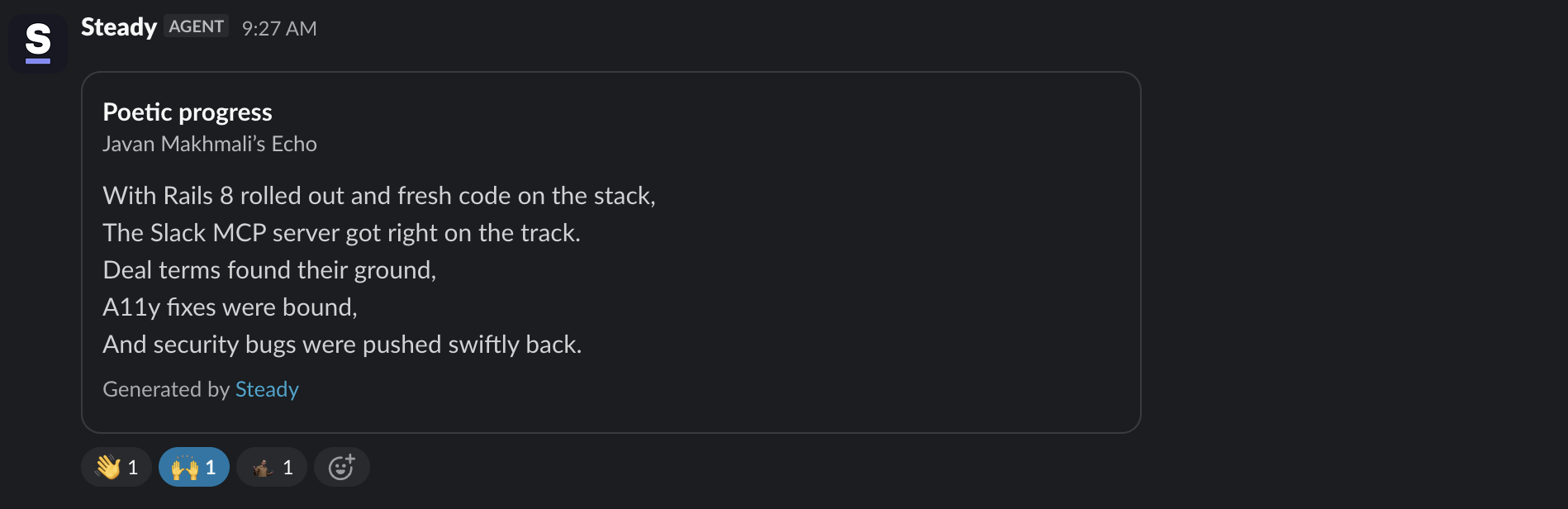
Broadcast Echo answers to a Slack channel
Point any Echo at a Slack channel you’re in, and each answer posts there on schedule for the whole channel to read: a daily check-in summary, a weekly Insights snapshot, a participation leaderboard, an industry news roundup.
An Echo answer is generated from the data you have access to in Steady, so pick Echoes that cover what the whole channel should see.
Turn on the new Slack features
Already using the Steady app? If you’re a Steady admin, open the Slack card in Workspace Integrations, select Update Slack permissions, and approve the new permissions in Slack. Not an admin? Ask yours to make the update.
Using the Status Hero Slack app? Follow our guide to switch from the Status Hero Slack app. It walks through each step in order, so nobody misses a reminder.
New to Steady in Slack? Head to Workspace Integrations and select Add to Slack.